


Design instructions
Please download our design instructions for detailed description of how to set up and export print-ready cover files.
Download instructionsOutside covers
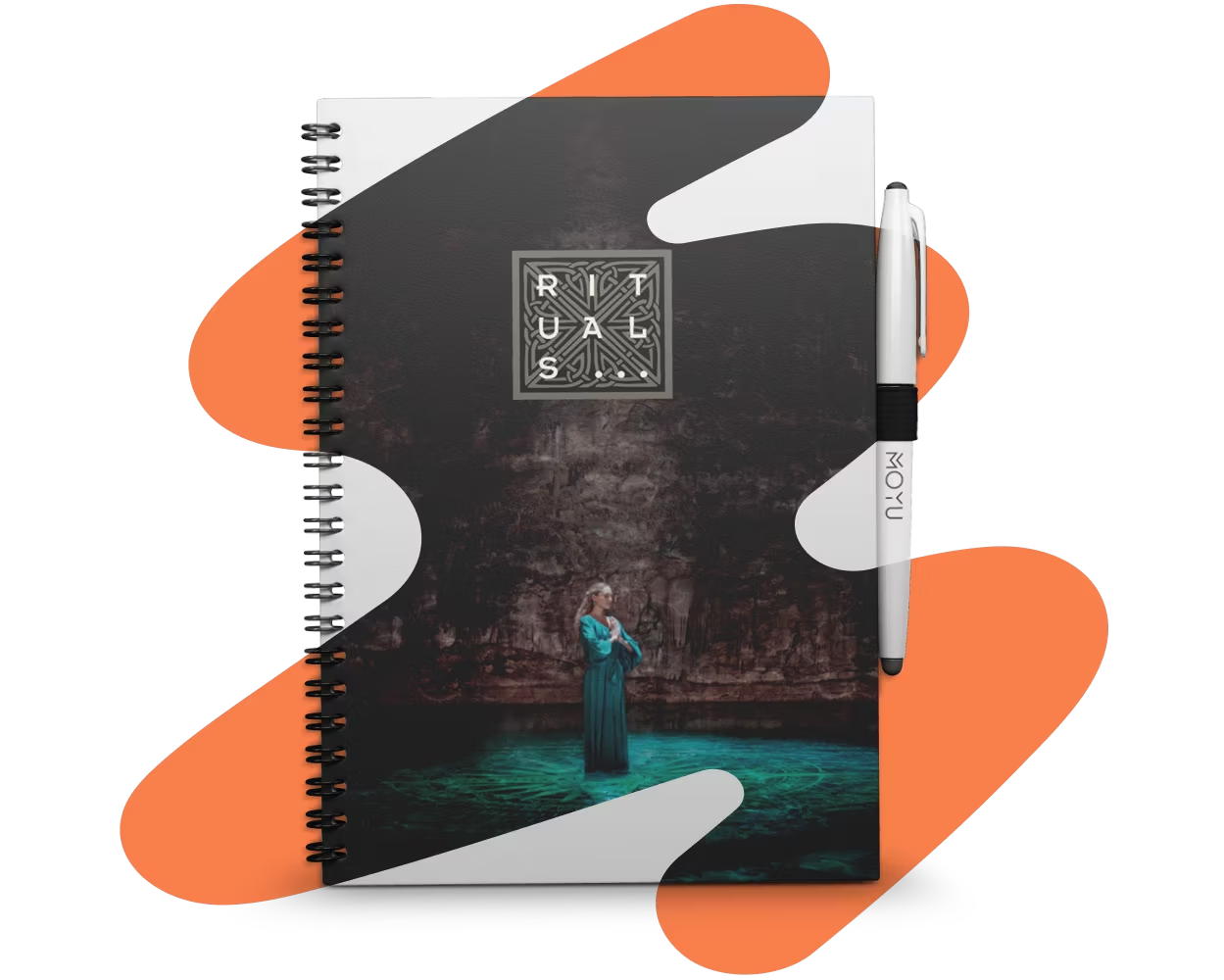
Design the front and back covers on page 1 and 4 in any way you like. No restrictions in space or colour.
Inside covers
You have 2 options here. You can customize page 2 and 3 or keep our default inside design (available in 4 languages), it’s up to you.
Pen holder
Your notebook comes with pen holder attached. Please do not remove or move the pen holder icon so we see the two lines that mark where to place it.
MOYU logo
Personalized notebooks are co-branded. Please do not remove MOYU logo. In the preview and template we suggest two placements, but feel free to adjust it according to your design. Just make sure to place it on a border as shown.
Export as PDF
Make sure to use only CMYK colors and to export the bleed. Double check your file matches the ‘PDF size’ as specicifed in template section. Convert all copy to outlines before exporting.